

DMED ilovasi orqali
shifokorga qanday yozilish mumkin?
03.12.2025


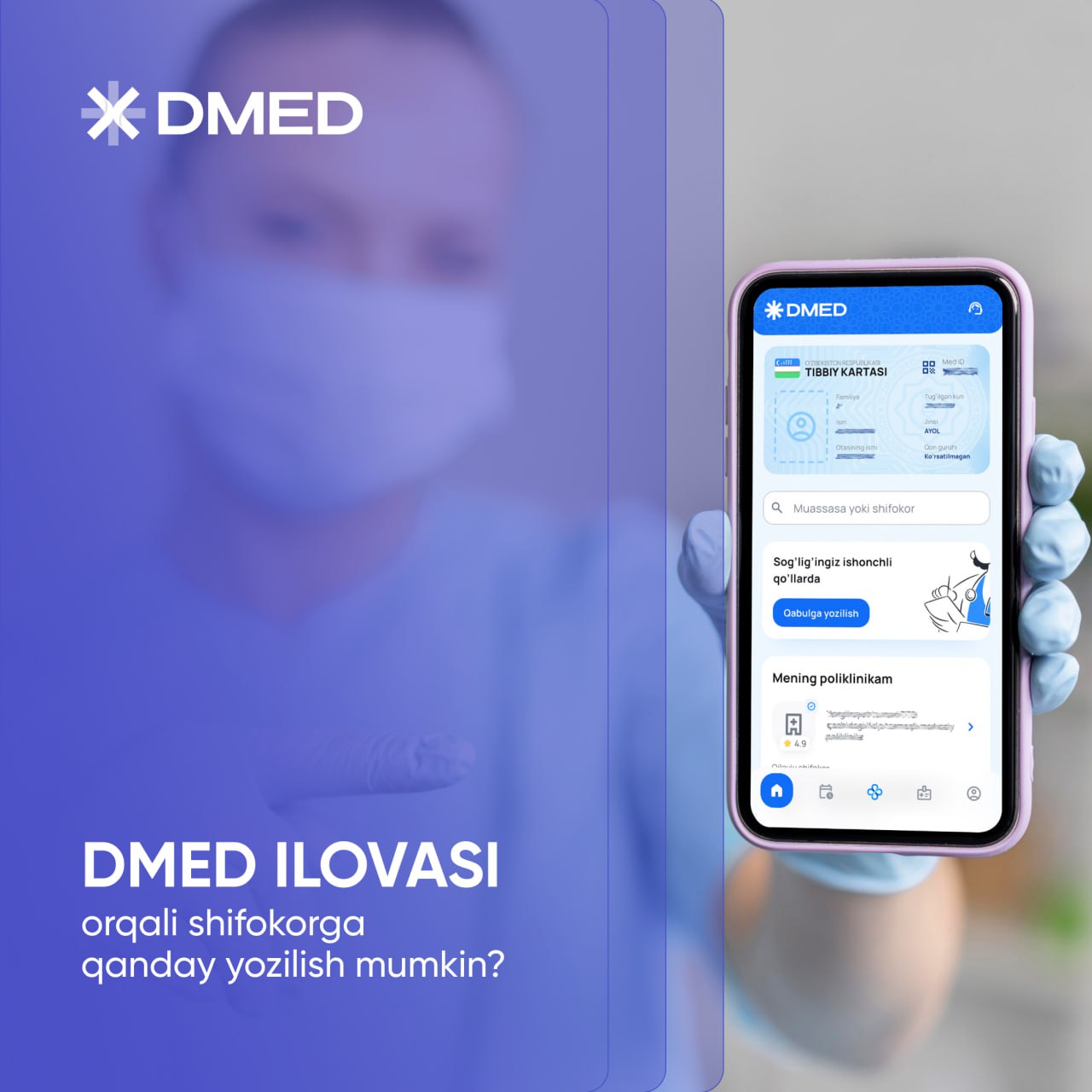
- Bosh sahifada "Qabulga yozilish" tugmasini bosing.
- "+" belgisini bosing.
- Kerakli shifokorni tanlang va "Yozilish" tugmasini bosing.
- O‘zingizga qulay qabul vaqtini belgilang.
Tayyor! Hech narsani unutmasligingiz va jadvalingizni oson boshqarishingiz uchun DMED ilovasida tashrif haqidagi barcha ma’lumotlar saqlanib qoladi.
Ilovani quyidagi havola orqali yuklab olishingiz mumkin.